OpenRecorder

Record your screen.
Keep the files.

OpenRecorder is a small native recorder that lives in your menu bar. Put your camera on screen, keep separate screen and camera files on your own computer, and share a recording with a temporary link and code. Free and open source.

Preview 0.6.0-preview.11 for macOS 26.0 or later (Apple silicon), not notarized. The first public download is being prepared; until its files are verified there is nothing to download here: build from source, or see the install steps.

Works beside your coding agent:CodexClaude Code
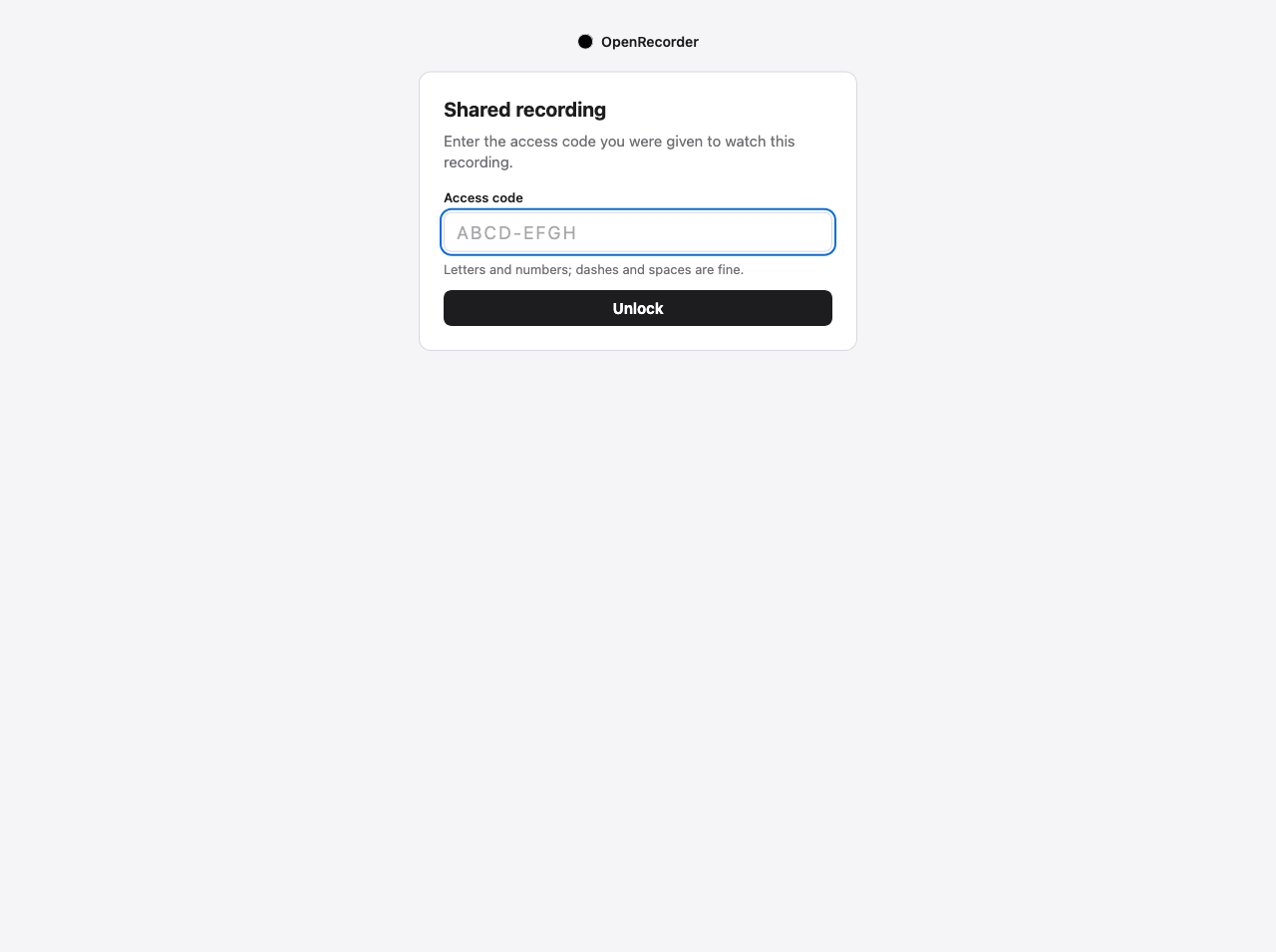
The guest page asking for an access code, with the OpenRecorder black disc above it.
The page a guest opens: it asks for the access code. Actual screenshot of OpenRecorder’s guest page in Firefox (a test server, no real recording).

Small on purpose

Everything a recorder needs.
Nothing it doesn’t.

No account, no editor, no cloud storage. A recorder you control from one icon, that leaves ordinary files where you can find them.

Control it from the menu bar.

Record with a three-second countdown, stop, and choose the display or window, camera and microphone, each shown by its real name and one clear status: Off, On, Live, Not connected. Choosing a device never switches it on.

  • Circle, rounded square, wide or portrait camera bubble, live during a take.
  • Hide the bubble without turning the camera off.
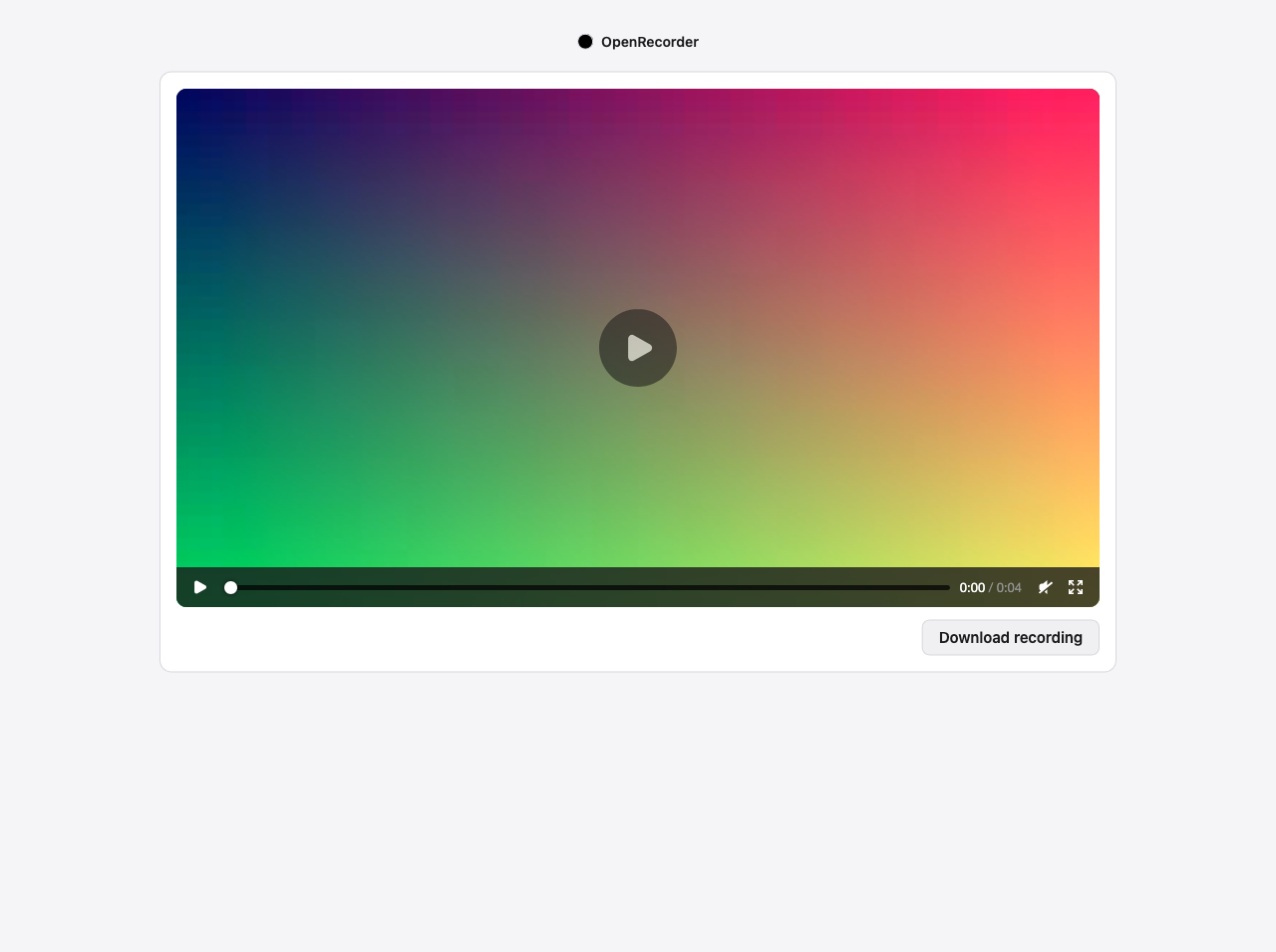
Illustration of the menu’s structure, not a screenshot. Device names are the ones your system reports.

Your recordings are ordinary files.

Every take is a folder: the video you watch, and optionally the clean screen and the full, unmirrored camera as separate files. If a take stops early, what was written is kept and Home says so. Updating or removing OpenRecorder never deletes them.

Recordings/
  one folder per take
  ├─ recording.mp4   what you watch
  ├─ screen.mp4      screen only (optional)
  └─ camera.mp4      full camera frame (optional)
Illustration of the folder layout.

Share one recording, carefully.

A temporary link plus a separate access code, for the combined video only. Wrong codes are limited, the link ends when you stop it, archive the recording or quit, and the page a guest sees has no script and no external resource. Copy the link, the code, or a short invitation with both: nothing is sent for you.

The guest player showing a synthetic gradient test video.
Actual screenshot: the guest player with a synthetic test video (not a real recording), in Firefox.

You + your coding agent

You press Record.
Your agent helps with the rest.

The plugin lets Codex or Claude Code find a recording, open Home, organise your library, share a take, or stop one when you ask. None of the plugin’s tools starts a recording, turns the camera or microphone on, chooses a source or touches permissions: you do that yourself, in the app. This limits the tools, not the agent: one that can run shell commands or control your computer is not bound by it.

Your agent can

Read the library, open and organise recordings, change settings, share and unshare, open Home, and stop a take at your request.

The plugin’s tools cannot

Start recording, switch a camera or microphone on, choose what to record, or change a permission.

Your files stay yours

Local first.
No account.

The library and recordings live in your user folders, never inside a plugin. There is no analytics and no cloud storage, and OpenRecorder does not upload your recordings. Two optional things involve others: a share link you create is served from your computer through a cloudflared tunnel you install yourself (Cloudflare carries that traffic), and if you use the plugin, your AI host receives what its tools return. See Privacy. Permissions are asked for when you first use a device, never reset, and never requested in a loop.

Open source

A personal project.

OpenRecorder is Gustav Anderson’s free, open-source recorder, written in Rust, under the MIT licence. Read the source, build it yourself, and see exactly what was and was not verified in the repository’s documentation.

Read the source on GitHub ↗

Free & open source

Get OpenRecorder.

Preview software. Check each file’s SHA-256 against SHA256SUMS before you open it.

macOS app

  1. Download the macOS ZIP from the release page and verify it.
  2. Move OpenRecorder.app to ~/Applications and open it.
  3. It is not notarized: macOS will warn the first time. Apple’s steps: open an app from an unknown developer.

Apple silicon, macOS 26.0 or later (the bundled media helper is built for 26.0; earlier systems are not supported). Look for the disc in the menu bar. Experimental Linux and Windows builds are on the release page, labelled as never run on hardware; the Linux one needs a very new system, so most Linux users should build from source.

Codex

codex plugin marketplace add /path/to/unzipped/openrecorder
codex plugin add openrecorder@openrecorder

Unzip the plugin ZIP first and add the openrecorder folder inside it. The plugin carries the app; no Node.js or Python is needed.

Claude Code

/plugin marketplace add /path/to/unzipped/openrecorder
/plugin install openrecorder@openrecorder

The plugin starts the same local library as the app and shares its data.

From source

git clone https://github.com/gustavonline/openrecorder
cd openrecorder
python3 scripts/build-native.py /path/to/ffmpeg

Any platform, with Rust and a media helper. See the install guide.

What is and is not verified

macOS 26.0 or later, Apple silicon
Needs macOS 26.0 or later (the bundled media helper is built for it). Built and used by its author; 30 fps recording accepted on the author’s Mac. Not notarized. 60 fps depends on your computer and is never assumed.
Linux and Windows
Experimental builds from the same source, published with checksums but never run on a real desktop by the author: tray, capture and permissions are unverified. The Linux build needs a very new system (glibc 2.43 or newer); otherwise build from source.
Sharing
The author reports sharing working in their own use. What was checked for this release is a synthetic local server with a real Firefox; no separate public-tunnel test was run for it.
Inside Codex’s app window
Posters and playback were accepted by the author on the author’s own setup. No other host, version or hardware is claimed. The browser always works.
Performance
No memory, CPU or benchmark claim is made for this build.